
Ideal Blog Post Length for SEO in 2026
Every blogger has asked this question: "How long should my blog post be?"
Write too short, and Google may not consider it comprehensive enough to rank well. Write too long with filler content, and your readers leave halfway through. The truth is more nuanced — and knowing the right target for your specific content type can dramatically improve your rankings.
This guide covers what the data says, what Google actually rewards in 2026, and exactly how long to make every type of blog post.
Does Word Count Directly Affect SEO Rankings?
The short answer: not directly, but indirectly — a lot.
Google has officially stated that word count is not a ranking factor in itself. However, the things that correlate with longer posts absolutely are ranking factors:
- Topical completeness — covering a subject thoroughly means more relevant keywords naturally appear
- Time on page — longer, engaging posts keep readers reading, signalling quality to Google
- Backlinks — comprehensive guides and resources earn far more backlinks than thin content
- Featured snippets — structured, detailed answers in longer posts frequently win snippet boxes
- Internal linking opportunities — more content means more natural places to link to other pages
Ideal Word Count by Content Type (2026)
Word Count Targets by Industry
| Industry / Niche | Recommended Word Count | Reason |
|---|---|---|
| Technology / SaaS | 1,500 – 2,500 | Technical depth expected; tutorials need detail |
| Finance / Legal | 2,000 – 4,000 | YMYL content — Google demands high E-E-A-T signals |
| Health / Medical | 2,000 – 5,000 | YMYL — comprehensive, cited content required |
| Food / Recipes | 800 – 1,500 | Users want quick instructions; long intros kill engagement |
| Travel | 1,500 – 3,000 | Destination guides benefit from comprehensive coverage |
| Education / Student | 1,200 – 2,500 | How-to and explainer content; structured well = featured snippets |
| E-commerce / Tools | 800 – 1,500 | Comparison and review posts; users are ready to act |
| News / Current Affairs | 300 – 800 | Speed matters; thin posts are expected for breaking news |
Google's E-E-A-T and Why It Matters More Than Word Count in 2026
In 2026, Google's E-E-A-T (Experience, Expertise, Authoritativeness, Trustworthiness) framework is more important than hitting a specific word count target. Here's what this means practically for your blog:
🔬 Experience (the newest addition)
Google now rewards content written by someone who has actually done the thing they're writing about. A recipe post written by someone who cooked the dish, a product review from someone who bought the product, a travel guide from someone who visited the place — these rank better than "compiled" content.
Action: Add first-person examples, personal results, or real photos/screenshots to your posts.
🎓 Expertise
Demonstrate subject matter knowledge. Use correct terminology, cite reliable sources, and show you understand the nuances of the topic — not just the surface-level points anyone could find with a quick search.
Action: Include an author bio with relevant credentials. Cover subtopics that surface-level posts miss.
🏛️ Authoritativeness
Earn mentions and backlinks from other trusted websites in your niche. A post on your site about word count tools will rank better if authoritative SEO sites link to it.
Action: Create genuinely useful content (tools, templates, original research) that earns natural links.
🔒 Trustworthiness
Have an SSL certificate (HTTPS), a clear About page, author bios, and accurate information. For any health/finance/legal content, add disclaimers and cite sources.
Action: Ensure your site has a clear contact page, privacy policy, and visible author information.
How to Count Your Blog Post Words Accurately
Before publishing, always check your word count. Different platforms count words differently — WordPress, Google Docs, and MS Word can give slightly different numbers due to how they handle HTML tags, headings, and metadata.
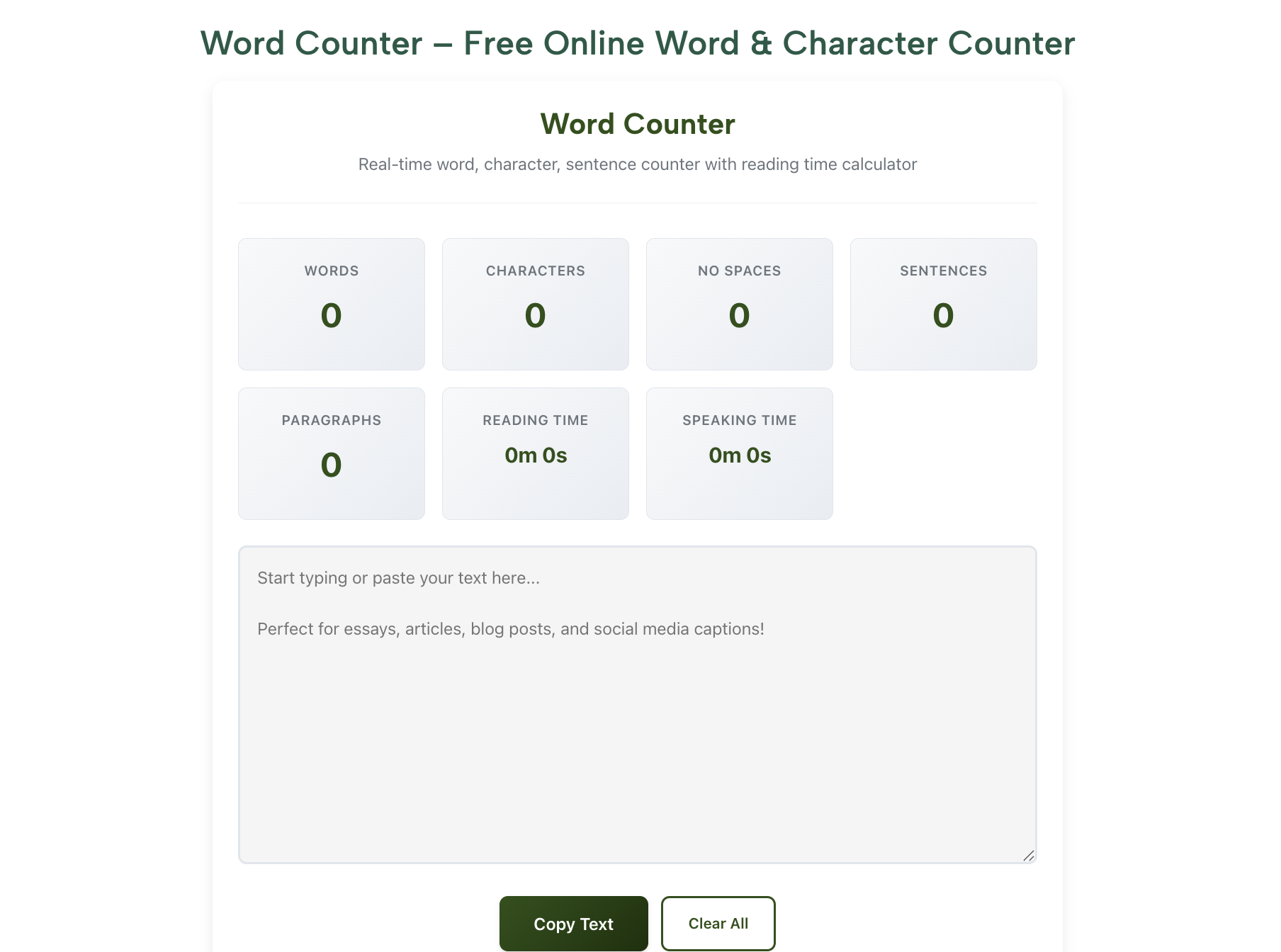
For the most accurate count of your actual readable content (excluding HTML code, tags, and metadata), paste your post text into a dedicated online word counter.
The Thin Content Problem: When Short Posts Hurt Your Site
Google's Helpful Content System (updated through 2024–2025) specifically targets thin content — posts that don't provide meaningful value to readers. Signs your content might be flagged as thin:
- Posts under 300 words that aren't news/announcements
- Content that fully duplicates information already on your site
- Posts that only summarise what other sites say without adding original perspective
- Pages that exist primarily to target a keyword, with little actual helpful content
- Auto-generated or templated content with minimal human editing
The solution isn't necessarily to make every post 3,000 words. It's to make sure every post genuinely helps the reader accomplish something or understand something they couldn't before reading your post.
Practical Word Count Checklist for Bloggers
Before You Start Writing
- Search your target keyword and check the top 5 ranking results' approximate word counts
- Identify the subtopics they cover — your post should cover at least the same, ideally more
- Identify what they don't cover — that's your opportunity to go deeper
- Set a target word count range based on competition and content type
While Writing
- Write to cover the topic, not to hit a word count
- Use headings (H2, H3) to organise — Google uses these to understand structure
- Include a FAQ section — these often capture featured snippets
- Use tables, lists, and examples — structured content ranks better
- Add internal links to related tools or posts on your site
After Writing
- Check word count with RankStreak Word Counter
- Check character count of your meta description — aim for 150–160 characters using the Character Counter
- Read the post aloud — remove sentences that don't add value
- Compress images, check page speed
- Publish and submit URL to Google Search Console for indexing
Character Count for SEO: The Other Numbers That Matter
Word count isn't the only length metric that affects SEO. These character limits are equally important:
| SEO Element | Ideal Length | Why It Matters |
|---|---|---|
| Title Tag (H1) | 50–60 characters | Gets cut off in Google SERPs beyond 60 chars |
| Meta Description | 150–160 characters | Longer descriptions get truncated in search results |
| URL Slug | 3–5 words max | Short, keyword-rich URLs perform better |
| Blog Post Title (reader-facing) | 6–12 words | Clear, benefit-driven titles get more clicks |
| Image Alt Text | Under 125 characters | Screen reader limit; keep it descriptive but concise |
| H2 Subheadings | 4–8 words | Clear subheadings help Google understand structure |
🔧 Free Writing & SEO Tools on RankStreak
- 📝 Word Counter — Count words, reading time, sentences in your blog post
- 🔢 Character Counter — Check meta description and title tag lengths
- 🔤 Case Converter — Format blog titles in Title Case instantly
- 🔄 Text Reverser — More free text tools for content creators
- 📦 Lorem Ipsum Generator — Generate placeholder text for mockups and templates
Frequently Asked Questions
For very specific, narrow queries (like "what does RSVP stand for?"), yes — a thorough 500-word answer can rank. But for competitive informational queries, 500 words is usually too thin. Aim for 1,500+ for most evergreen content.
Not directly, but artificially inflated content (padding, repetition, filler) hurts user experience. If readers leave quickly because the post is full of fluff, the high bounce rate signals low quality to Google. Every paragraph should add value.
Update posts that cover time-sensitive topics (statistics, tools, techniques) at least annually. Adding a "Last Updated: [Year]" date and refreshing outdated sections can give old posts a significant rankings boost.
Yes, indirectly. AdSense reviewers look for "substantial original content." While there's no official minimum, sites with mostly thin posts (under 500 words) or fewer than 15–20 quality posts often get rejected. Aim for at least 20–30 posts of 1,000+ words before applying.
Quality, always. A focused, well-structured 1,200-word post that fully answers the user's query will outrank a padded 4,000-word post full of irrelevant information. Think of word count as a proxy for completeness, not a goal in itself.
Conclusion
The ideal blog post length in 2026 is not a fixed number — it's whatever length it takes to fully satisfy the reader's intent. That said, the data consistently shows:
- 1,500–2,500 words is the sweet spot for most informational blog posts
- 2,500–4,000 words for competitive or complex topics and ultimate guides
- 800–1,200 words for simple how-to posts and tutorials
- 300–600 words for news, quick answers, and announcements
Focus on E-E-A-T, genuine helpfulness, and topical completeness — and the right word count will follow naturally.
📝 Free Tools for Content Creators
Word counter, character counter, case converter, lorem ipsum generator — all free, no login.
Explore All Tools →