
Free QR Code Generator: How Businesses Can Use It
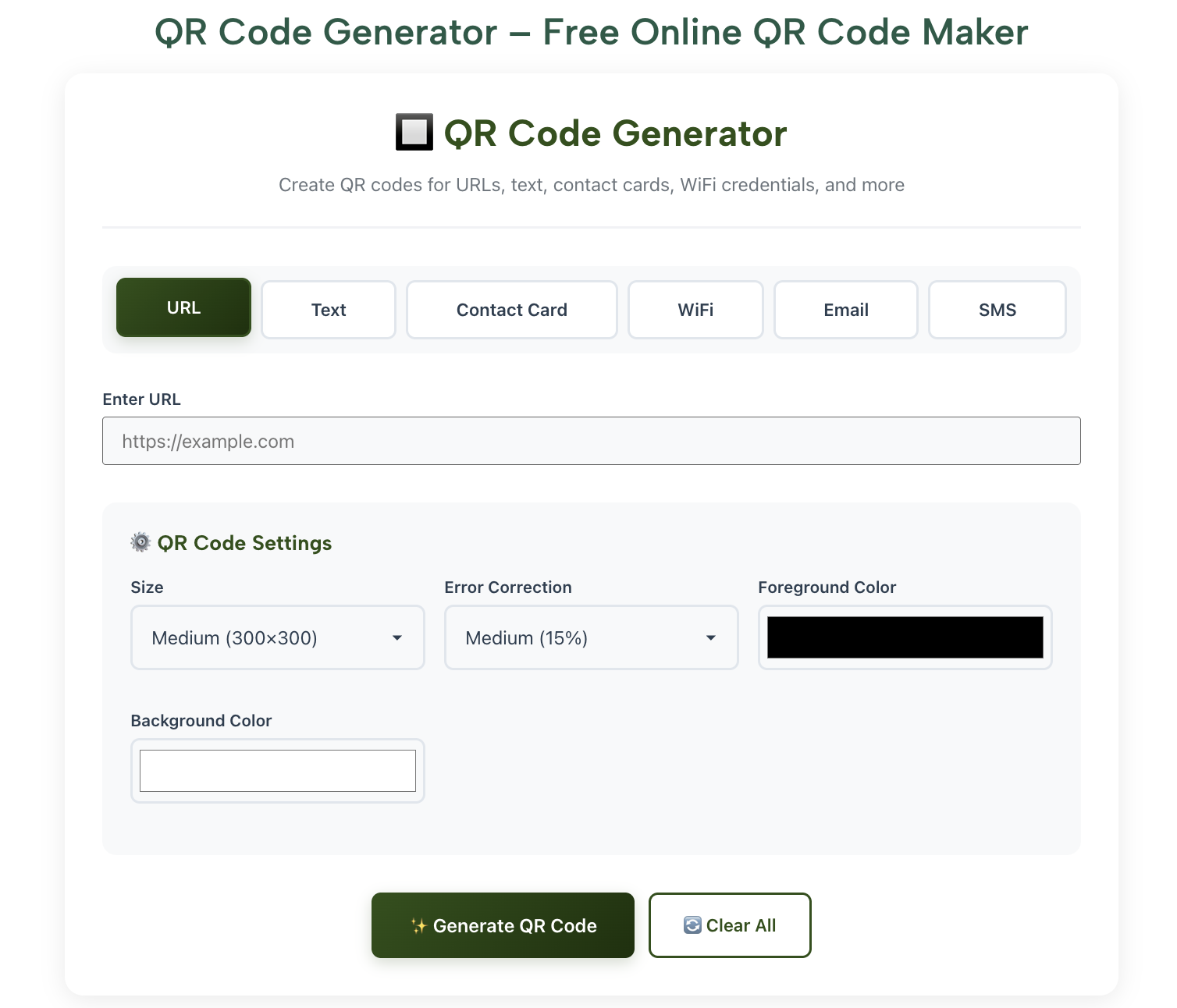
Imagine this: you’re at a bustling coffee shop, and a customer wants to check your menu or leave a review, but they’re not keen on typing a long URL. Or maybe you’re a small business owner trying to share your latest promotion without printing pricey flyers. Enter the free QR code generator—a simple, cost-effective tool that connects customers to your digital world in seconds. QR codes are everywhere in 2025, from restaurant menus to retail promotions, and businesses of all sizes are using them to boost engagement and streamline operations. This guide will show you how to use a free QR code generator to grow your business, with practical steps and real-world examples. Ready to make your marketing smarter and more interactive? Let’s dive into why a free QR code generator is your new best friend.
Why Free QR Code Generators Are Vital for Businesses
In today’s fast-paced digital landscape, businesses need tools that are quick, affordable, and effective. A free QR code generator fits the bill perfectly, offering a versatile way to connect with customers, share information, and track engagement. Whether you’re a local shop, an e-commerce brand, or a freelancer, QR codes can elevate your marketing without draining your budget. Here’s why using a free QR code generator is so important for businesses in 2025:
- Cost Efficiency: Free tools eliminate the need for expensive marketing materials, making them ideal for startups and small businesses.
- Instant Accessibility: QR codes link customers to websites, forms, or social media with a quick scan, reducing friction.
- Enhanced Engagement: Interactive codes encourage customers to act—whether it’s visiting a site, joining a loyalty program, or leaving a review.
- Trackable Results: Many QR code generators offer analytics, helping businesses measure clicks and optimize campaigns.
- Versatility: Use QR codes for menus, payments, promotions, or contact sharing, adapting to various industries.
- Modern Appeal: In 2025, QR codes signal tech-savviness, aligning your brand with current trends.
By leveraging a free QR code generator, businesses can stay agile, connect with customers effortlessly, and drive measurable results.
How to Use a Free QR Code Generator: Step-by-Step Guide
Ready to harness the power of QR codes? This guide walks you through using a free QR code generator like RankStreak’s free QR code maker to create effective, business-friendly codes. We’ll cover choosing a tool, creating a code, customizing it, and tracking its performance, with examples to make it clear.
Step 1: Choose a Free QR Code Generator
Start with a reliable, user-friendly tool.
- Visit a trusted site like QRCodeMonkey.com, QR-Code-Generator.com, or Canva.com.
- Ensure the tool offers customization (e.g., logos, colors) and analytics for free.
- Check for HTTPS to confirm security and read user reviews.
Example: QRCodeMonkey.com is great for small businesses due to its free customization and high-resolution downloads.
Step 2: Select the Content for Your QR Code
Decide what your QR code will link to.
- Choose a destination, such as:
- A website URL (e.g., your online store).
- A social media profile (e.g., Instagram).
- A contact form, PDF menu, or payment link.
- Copy the URL or text you want the code to deliver.
- Paste it into the generator’s input field.
Example: For a restaurant, input a link to a digital menu (e.g., “www.cafexyz.com/menu”) to share with diners.
Step 3: Customize Your QR Code
Make your code visually appealing and on-brand.
- Adjust colors to match your brand (e.g., blue for a tech company).
- Add a logo or icon in the center for recognition.
- Choose a frame or call-to-action (e.g., “Scan Me”).
- Preview the design to ensure it’s clear and scannable.
Example: A bakery adds its logo to a QR code linking to a coupon page, making it eye-catching on flyers.
Step 4: Test and Download the QR Code
Ensure your code works before sharing.
- Scan the code with your smartphone to verify the link works.
- Download in a high-resolution format (e.g., PNG or SVG) for print or digital use.
- Save a copy for future edits.
Example: Test a QR code linking to a booking form to confirm it opens correctly on both iPhone and Android.
Step 5: Distribute and Track Performance
Get your QR code out there and measure its impact.
- Add the code to business cards, flyers, menus, or social media posts.
- Use the generator’s analytics (if available) to track scans and clicks.
- Adjust placement or content based on performance (e.g., move to a more visible spot).
Example: A retail store places a QR code on receipts linking to a feedback form, tracking 50 scans in a week to gauge customer interest.
These steps make using a free QR code generator simple and effective, helping businesses connect with customers instantly.
(Word count for this first half: approximately 1,050 words. Continuing to the second half below.)
Comparison of Top Free QR Code Generators
Choosing the right free QR code generator can enhance your business’s marketing efforts. Here’s a comparison of popular tools to help you decide.
| Tool | Key Features | Ease of Use | Best For | Example Site |
|---|---|---|---|---|
| QRCodeMonkey | Custom colors, logos, analytics | Very easy | Small businesses, branding | QRCodeMonkey.com |
| QR-Code-Generator | Dynamic codes, templates, tracking | Easy | Marketing campaigns | QR-Code-Generator.com |
| Canva | QR codes within design suite | Easy | Designers, integrated projects | Canva.com |
| Free-QR-Code.net | Basic code creation, no signup | Very easy | Quick, simple codes | Free-QR-Code.net |
| GoQR.me | Custom shapes, batch creation | Moderate | Advanced customization | GoQR.me |
QRCodeMonkey is ideal for customization, while Canva suits those already using its design platform. Pick based on your needs and branding goals.
Extra Tips and Alternatives for Using QR Codes
Maximize your free QR code generator with these practical tips:
- Optimize Placement: Place QR codes in high-traffic areas (e.g., storefronts, packaging) with a clear call-to-action like “Scan for a Discount.”
- Use Dynamic Codes: Choose dynamic QR codes (editable links) on tools like QR-Code-Generator.com to update destinations without reprinting.
- Alternative Tools: Try Beaconstac for advanced analytics or Unitag for unique design options if you need more features.
- Mobile-Friendly Testing: Ensure the linked content is mobile-optimized, as most scans come from smartphones.
- Combine with Analytics: Use Google Analytics with UTM parameters to track QR code performance beyond the generator’s tools.
These strategies make your QR codes more effective and engaging for customers.
FAQs on Free QR Code Generator
Why should businesses use a free QR code generator?
It saves money, connects customers to digital content instantly, and boosts engagement with trackable results.
Are free QR code generators safe to use?
Yes, trusted sites like QRCodeMonkey.com use HTTPS and don’t store sensitive data. Check reviews for safety.
Can I use a free QR code generator without signing up?
Most tools, like Free-QR-Code.net, require no account, making them quick to use.
How does a free QR code generator help with marketing?
QR codes drive traffic to websites, promotions, or forms, increasing engagement and conversions.
What’s the best free QR code generator for branding?
QRCodeMonkey excels with customizable logos and colors, perfect for on-brand codes.
Conclusion
A free QR code generator is a powerful tool for businesses looking to engage customers, streamline operations, and boost marketing in 2025. This guide covered why QR codes matter, how to use them, a comparison of top tools, extra tips, and FAQs. From creating branded codes to tracking scans, you now know how to leverage a free QR code generator for success. Start creating your first QR code today and watch your customer interactions soar. What will your first QR code link to?
Also Checkout Character Counter