
How Long Should a Password Be in 2026?
If you're still using an 8-character password, you need to read this.
In 2020, an 8-character password felt reasonably secure. In 2026, with GPU-powered cracking rigs able to test hundreds of billions of passwords per second, an 8-character password can be cracked in hours — sometimes minutes.
This guide explains exactly how long your password should be, why length matters more than complexity, and how to generate strong passwords for free.
How Long Passwords Can Be Cracked in 2026
Modern password cracking uses graphics cards (GPUs) originally designed for gaming to run billions of guesses per second. Here's how quickly different password lengths fall:
Password123!, it can be cracked almost instantly regardless of length, because attackers use word lists and pattern-based attacks first.
The Official 2026 Password Recommendations
The most authoritative source on password guidelines is NIST (National Institute of Standards and Technology), which updated its password guidance significantly in 2024. Here's what they now recommend:
Minimum Length: 8 Characters (But Aim for 15+)
NIST sets 8 characters as the absolute minimum for any password. However, they strongly encourage systems to allow up to 64 characters and nudge users toward longer passwords. In practice, 15 characters is the new comfortable minimum for 2026.
8 characters — Dangerous in 2026
12 characters — Acceptable minimum
16 characters — Strongly recommended
20+ characters — Maximum protection
NIST's Updated Stance: Length Over Complexity
This surprised many people when NIST updated their guidelines: a long random password is more secure than a short complex one.
Compare these two passwords:
P@$$w0rd!— 9 characters, looks complex, but cracked almost instantly (it's in breach databases)correcthorsebatterystaple— 25 characters, all lowercase, but astronomically harder to crack
The second password — made of four random common words — is millions of times stronger because of its length, even though it uses no special characters. This is called a passphrase.
Password Length Requirements by Account Type
| Account Type | Minimum Length | Recommended Length | Why |
|---|---|---|---|
| Social media (Instagram, Twitter) | 12 chars | 14–16 chars | High-value targets for phishing |
| Email (Gmail, Outlook) | 16 chars | 18–20 chars | Email = master key to all accounts |
| Banking / Financial | 16 chars | 20+ chars | Direct financial loss if compromised |
| Work / Corporate accounts | 16 chars | 20+ chars | Compliance requirements (ISO, SOC2) |
| Shopping / E-commerce | 12 chars | 14–16 chars | Saved payment methods at risk |
| Forums / Low-risk sites | 10 chars | 12–14 chars | Lower risk, but credential stuffing is real |
| Password manager master password | 20 chars | 20–30 chars | Protects all other passwords — must be strongest |
| WiFi network password | 12 chars | 16–20 chars | Brute-forceable offline; length critical |
Length vs. Complexity: What Matters More?
| Password Type | Example | Length | Crack Time (est.) | Verdict |
|---|---|---|---|---|
| Short complex | P@$$8!xQ | 8 chars | ~2 hours | ❌ Weak |
| Medium complex | Tr0ub4d@r&3 | 11 chars | ~2 weeks | ⚠️ Okay |
| Long simple passphrase | sunset-book-river-lamp | 22 chars | ~500 years | ✅ Strong |
| Long random | mK9#vL2@pQ7!rX4 | 15 chars | ~34,000 years | ✅ Very Strong |
| Long random + symbols | nR7@mK2!pQ9#vL4$xJ | 18 chars | Billions of years | 🏆 Ideal |
How to Create Strong Long Passwords (Without Memorising Them)
Use a Free Password Generator
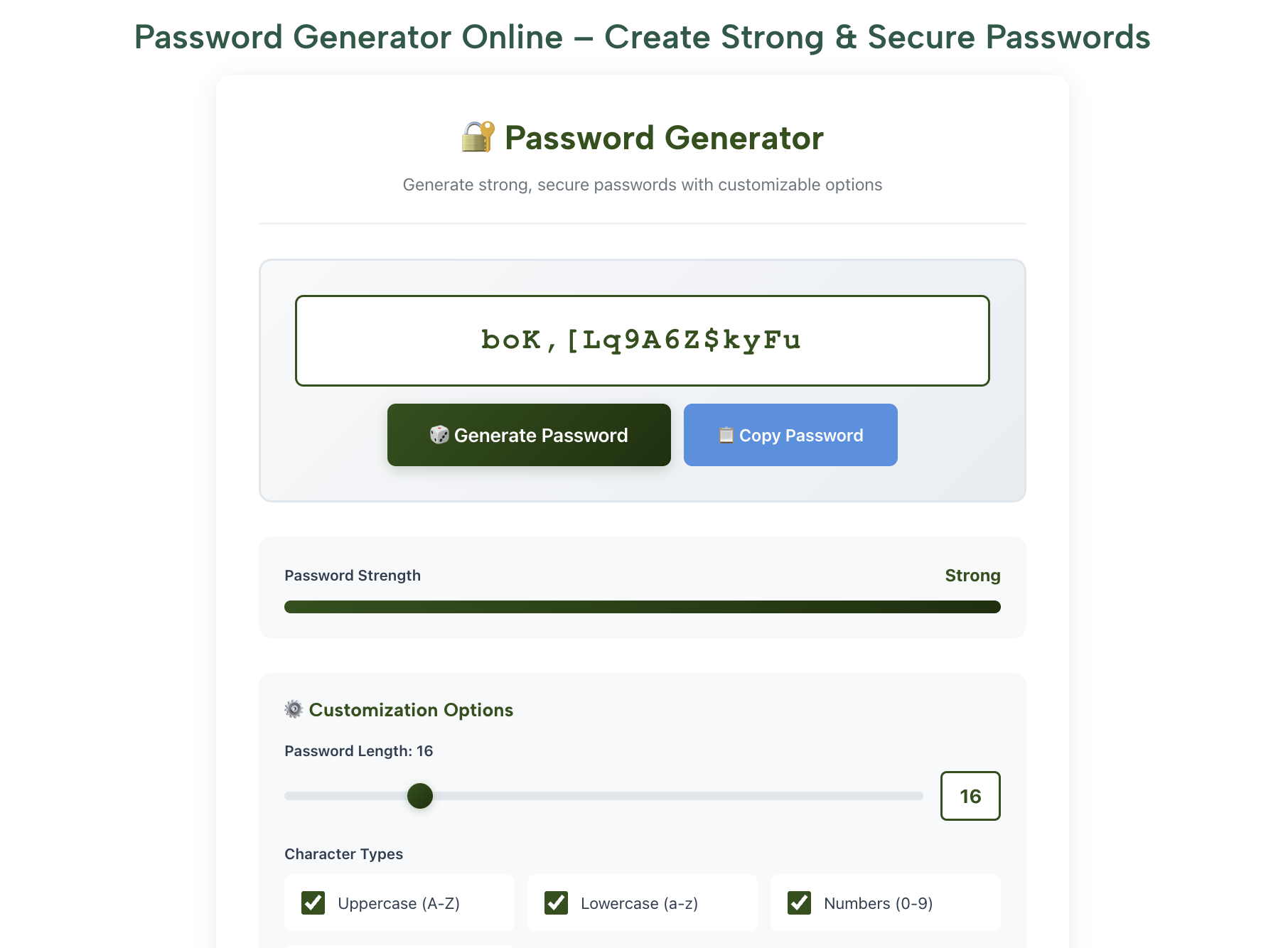
The fastest way to get a strong, long password is to generate one. RankStreak's free Password Generator lets you:
- Set custom length (up to 64 characters)
- Include/exclude uppercase, lowercase, numbers, symbols
- Generate multiple passwords instantly
- Copy with one click — no sign-up required
Use the Passphrase Method (Memorable + Secure)
If you need a password you can actually remember (like a computer login), use 4–5 random unrelated words joined with hyphens or numbers:
lamp-ocean-7-brick-sunrise— 26 characters, easy to type, extremely securetiger-cloud-44-notebook— 23 characters, memorablecorrect-horse-battery-staple— the classic example from XKCD
The key is random words — not a meaningful phrase from a song or quote, which would be guessable.
Store Passwords in a Password Manager
You don't need to memorise a 20-character random password. Password managers store all your passwords encrypted behind one strong master password. Recommended options:
- Bitwarden — Free, open-source, excellent
- 1Password — Paid, very user-friendly
- Google Password Manager — Built into Chrome, free
- iCloud Keychain — Built into Apple devices, free
With a password manager, you can use a completely different, maximum-length random password for every single website — which is the gold standard for security.
Common Password Mistakes to Avoid in 2026
- Any password from the "Top 200 most common passwords" list (password, 123456, qwerty, etc.)
- Your name, birthday, pet name, or any personal information
- Dictionary words with simple substitutions:
P@$$w0rdis well-known to crackers - Keyboard patterns:
qwerty,123456,asdfgh - Reusing the same password across multiple sites — one breach exposes everything
- Using the same base password with site names:
Facebook123!,Gmail123!
Password Security Checklist for 2026
✅ Your Password Security Audit
- ☐ All important account passwords are 16+ characters
- ☐ Email password is 18–20+ characters (it's the most critical)
- ☐ No password is reused across two different sites
- ☐ Passwords don't contain personal info (name, birthday, pet)
- ☐ Using a password manager to store passwords
- ☐ Two-factor authentication (2FA) enabled on email, banking, and social accounts
- ☐ No passwords saved in browser without a master password lock
- ☐ Changed any password that was part of a known data breach
🔧 Free Security & Text Tools on RankStreak
- 🔐 Password Generator — Generate a strong 16–20 character password instantly
- 📱 QR Code Generator — Create QR codes for WiFi passwords, links, and more
- 🔢 Character Counter — Check your password length before setting it
- 📊 Text to Binary Converter — See how text is encoded in binary
- 🔤 Case Converter — More free tools for everyday tasks
Frequently Asked Questions
A 12-character fully random password (mixed case, numbers, symbols) provides reasonable security for most accounts — estimated at 3+ years to crack with current hardware, assuming it's truly random and not dictionary-based. However, 16 characters is the new recommended minimum for any account you care about.
NIST actually updated its guidance on this — they no longer recommend changing passwords on a regular schedule. Instead, change a password only when: (1) you suspect it was compromised, (2) it appears in a data breach, or (3) someone else knew it. Regular forced changes often lead users to weaker, incremental passwords (Password1 → Password2).
Yes, mathematically. A 4-word random passphrase of 25+ characters has far more entropy (randomness) than an 8-character complex password. The key word is random — words you pick yourself (your favourite song, movie quote) are not truly random and can be guessed with targeted attacks.
Somewhat, but not as much as adding length. Substitutions like @ for a, $ for s, and 0 for o are well-known to cracking algorithms and are tested early. Adding 4 more characters to your password is far more effective than adding symbols to a short one.
NIST recommends systems allow up to 64 characters. In practice, anything over 20–25 characters is essentially uncrackable with current technology. Going beyond 30 characters provides diminishing practical returns, though it doesn't hurt. Your password manager can handle any length.
Conclusion
The answer to "how long should a password be?" has changed dramatically in recent years as cracking technology improved. Here's the 2026 summary:
- Minimum: 12 characters for any online account
- Recommended: 16 characters with mixed case, numbers, and symbols
- For critical accounts (email, bank, work): 20+ characters
- For password manager master password: 20–30 character passphrase
- Length beats complexity — a long passphrase beats a short complex password
🔐 Generate a Strong Password Now — Free
Custom length, mixed characters, copy with one click. No sign-up required.
Open Password Generator →