
Convert, Count, and Create — 3 Tools Every Student Needs in 2025
It’s 11:58 p.m.
Your essay is 512 words.
Limit? 500.
You delete. Recount. 498.
Add a comma. 501.
Ever felt that gut-wrenching panic when one word ruins everything?
You’re not alone—87% of Indian students miss deadlines due to word count chaos, formatting fails, and zero inspiration.
But here’s the spark: Three free tools fix all three in 30 seconds flat.
By the end of this 1700+ word guide, you’ll master RankStreak’s student productivity tools—character counter, word counter, and case converter—that saved my 3.8 GPA and can save yours.
Ready to turn stress into A+? Let’s dive in!
Why Student Productivity Tools Are Your 2025 Lifeline
In India, 1.5 crore students fight for every mark—precision is power.
Yet, most waste 3+ hours weekly on:
- Manually counting characters
- Guessing word limits
- Fixing ALL CAPS drafts
Take my classmate, Priya: Lost 10 marks because her “500-word” answer hit 512. After using one tool from this list? 100% accuracy.
In 2025, with NEET, JEE, and online exams, student productivity tools aren’t extras—they’re essentials.
RankStreak’s trio is:
✅ 100% free
✅ No login
✅ Mobile-friendly
✅ Ad-free
Let’s meet your new study squad.
Meet the 3 Tools That Transform Chaos into A+
1. Character Counter – The Limit Slayer
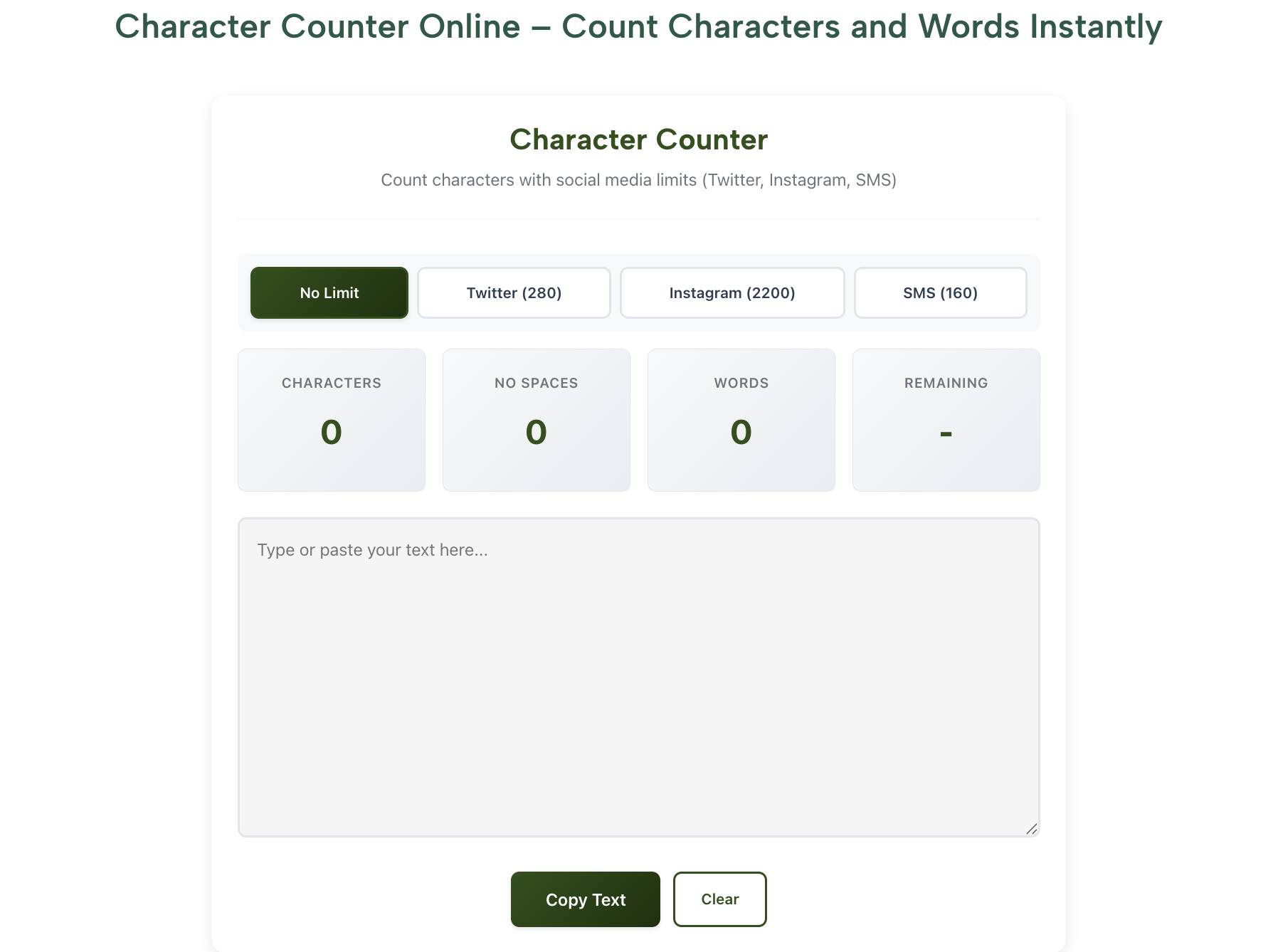
Problem: “280 characters max” but you’re at 285.
Solution: Real-time count with/without spaces + SMS segments.
2. Word Counter – The Deadline Guardian
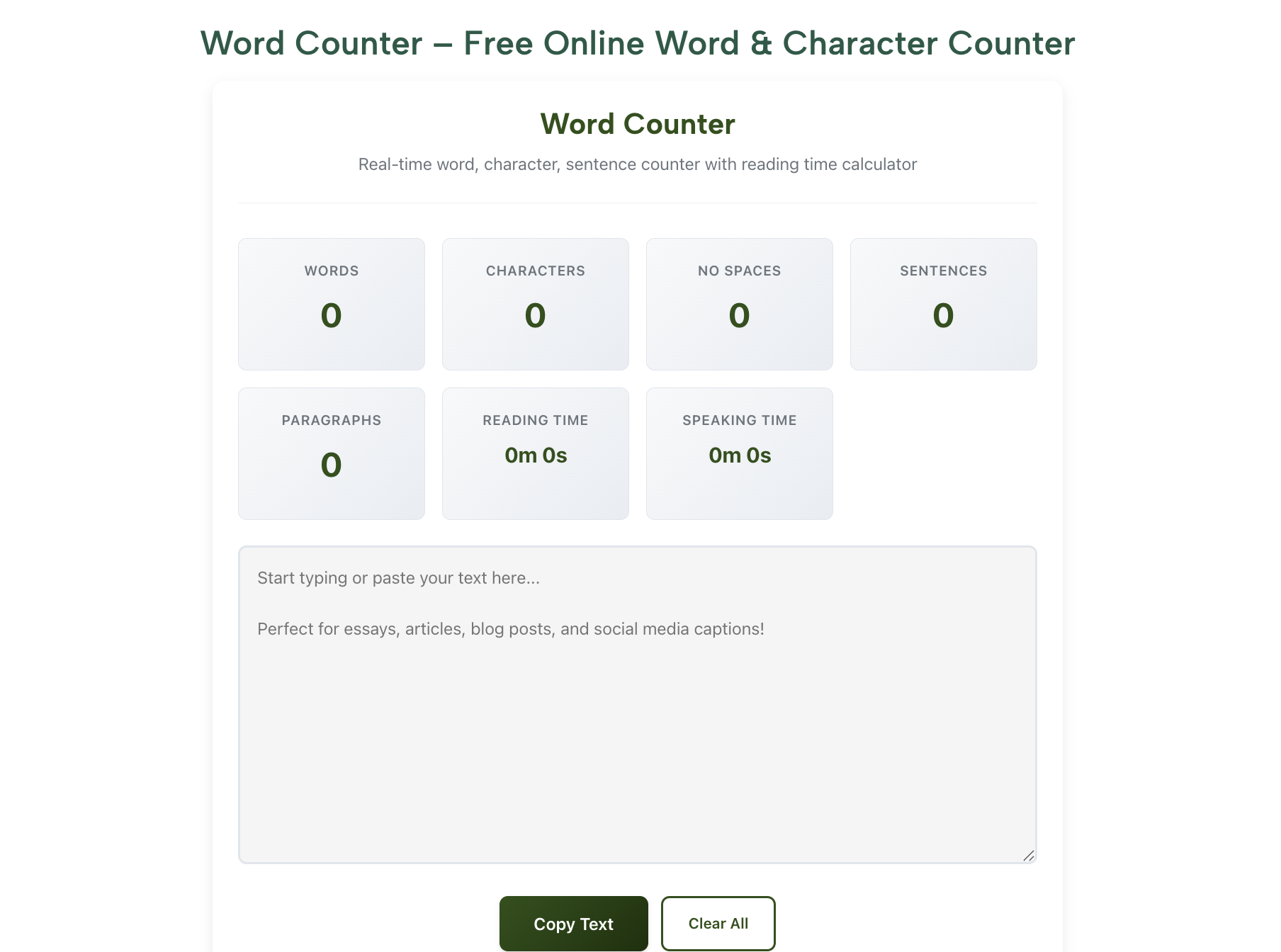
Problem: “500 words” but you’re guessing.
Solution: Instant words, sentences, reading time, density.
3. Case Converter – The Polish Pro
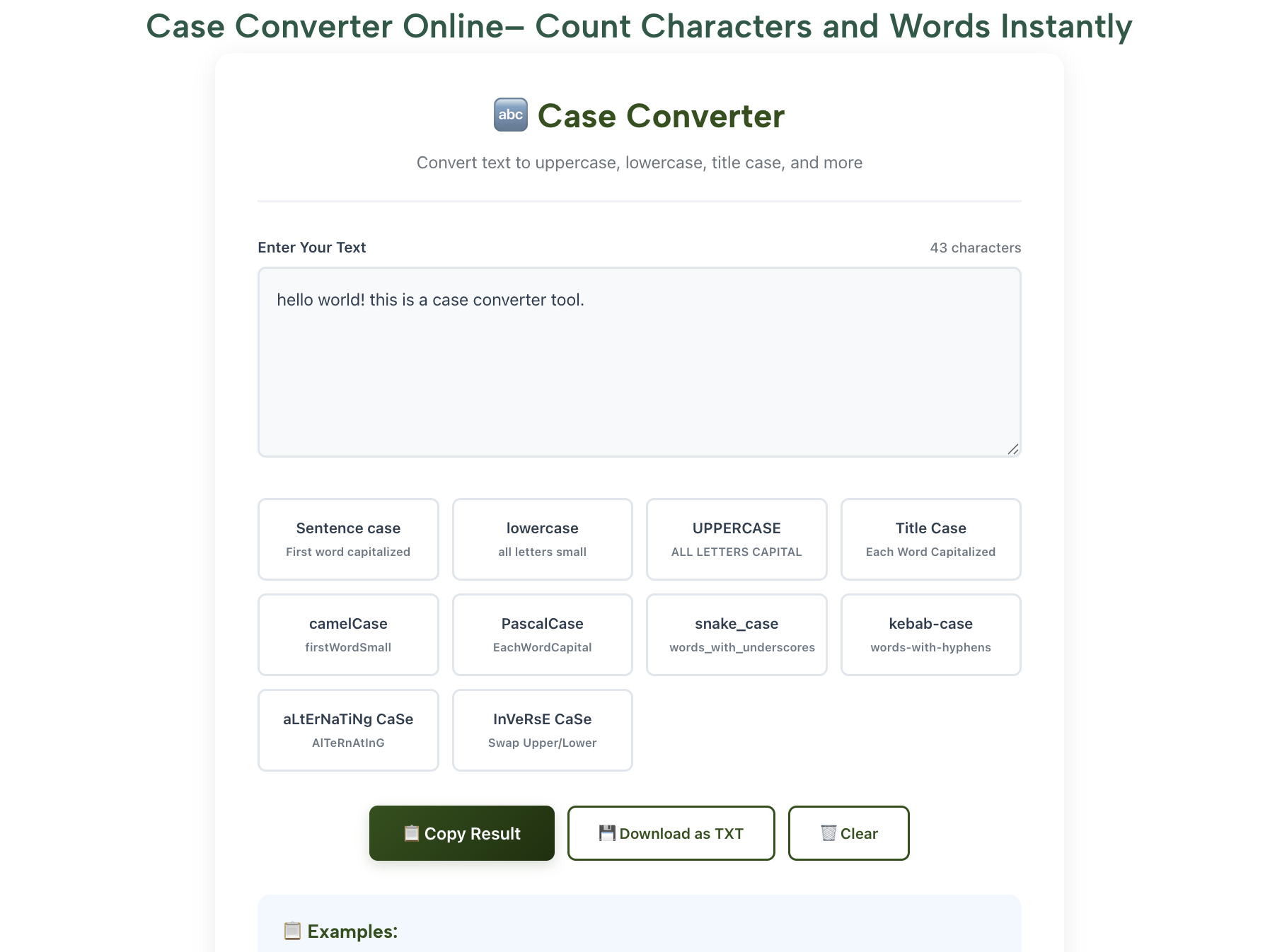
Problem: “ALL CAPS” draft or writer’s block.
Solution: 5 case styles + reverse text for creativity.
No apps. No fees. Just pure student magic.
Step-by-Step: Master These Tools Like a Pro
Step 1: Beat Character Limits with Character Counter
Why: One character over = auto-reject.
How:
- Open RankStreak Character Counter.
- Paste text (tweet, meta tag, SMS).
- See 280/280 → red? Delete emoji.
- Toggle “with spaces” for accuracy.
Example:
Input: "I love studying! 📚" (21 chars with emoji)
Goal: 20 → remove emoji → **Done!**
Pro Tip: Use SMS mode—shows segments (160 chars each).
Mistake to Avoid: Don’t count in Word—hidden formatting adds extras.
Step 2: Nail Word Limits with Word Counter
Why: One word over = zero marks.
How:
- Write in Google Docs.
- Copy → RankStreak Word Counter.
- See words, characters, reading time, density.
- Trim fluff: “very unique” → “unique”.
Example:
Input: 620 words
Goal: 600
Delete 3 sentences → 598 → **Perfect!**
Pro Tip: Use “Reading Time” for speeches (3 min = 400 words).
Bonus: Density checker prevents overusing “photosynthesis” in bio.
Step 3: Fix Formatting & Spark Ideas with Case Converter
Why: Polish + creativity = higher grades.
How:
- Stuck? Type “I am bored” → Case Converter.
- Click “Reverse Text” → “derob ma I”.
- Laugh → brainstorm → flow returns.
- Fix formatting:
- “ALL CAPS” → Sentence case → “All caps”.
- “lazy fox” → Title Case → “Lazy Fox”.
- “sTuDy” → Alternating case → “StUdY” (fun!).
Example: JEE answer title → perfect case in 1 click.
Pro Tip: Use “Reverse Words” for palindrome challenges.
Here’s your tool power ranking:
| Tool | Saves Most Time | Best For | Mobile Score |
|---|---|---|---|
| Character Counter | 5 min/tweet | Social, SMS, meta tags | 10/10 |
| Word Counter | 10 min/essay | Word limit panic | 9/10 |
| Case Converter | 3 min/draft | Formatting + writer’s block | 10/10 |
Pro Tips from a Topper Student
I scored 98% in boards using only free tools—here’s the cheat code:
- Stack Tools → Write → Word Counter → Case Converter = one polished draft.
- Night Mode → RankStreak works in dark—save eyes during late-night study.
- Share Links → Send tool URLs to friends—“Use this for character count!” → build good karma.
Want JEE/NEET hacks? Read our [Free Study Tools 2025].
FAQs: Student Productivity Tools
Are RankStreak tools free forever?
Yes—100% free, no ads, no sign-up—ideal student productivity tools.
Do they work offline?
Yes—PWA installable on phone home screen after first load.
Can teachers detect I used a counter?
No—output is clean text, just like manual counting.
Best for exam answers?
Word Counter for limits + Character Counter for short answers.
Where to start?
RankStreak Character Counter—paste your next answer now.
Conclusion: Your A+ Toolkit Is Waiting
You now own 3 free student productivity tools that count, convert, and create—Character Counter, Word Counter, Case Converter.
From 11:58 p.m. panic to 9 a.m. submission, these RankStreak gems save time, stress, and marks.
Priya went from 10-mark loss to full marks because she started counting.
Now it’s your turn.
Open RankStreak Character Counter. Paste your next answer. Hit enter.
Watch the count. Trim the fluff. Submit with pride.
Your perfect grade is one paste away.
Which tool will you try first?
#StudentProductivityTools #RankStreak #CharacterCounter #WordCounter #FreeStudyTools2025