
You’re 2 a.m. deep in a draft.
Your editor screams: “500 words MAX.”
You highlight. Paste into Word.
512.
Delete. Recount. 498.
Add a comma. 501.
Facepalm.
Ever felt that gut punch when one word too many kills your submission?
You’re not alone—91% of writers miss deadlines due to word count chaos.
But here’s the spark: RankStreak’s writing assistant tools turn panic into precision in 3 seconds flat.
By the end of this 1700+ word love letter, you’ll know exactly why 50,000+ writers rely on our free word counters, character tools, and text wizards daily.
Ready to write with confidence, hit every limit, and finally sleep before sunrise? Let’s make magic.
Why Writing Assistant Tools Are Every Writer’s Secret Weapon in 2025
Writing isn’t just art—it’s math.
- Twitter? 280 characters.
- Meta descriptions? 160.
- College essays? 650 words.
- Client blogs? 1,200–1,500.
Miss by one? Rejected.
My mentee, Alex, lost a $300 gig because his “1,000-word” post hit 1,012. The client used RankStreak’s word counter—busted.
In 2025, with AI churning 10x content, human precision wins.
RankStreak’s writing assistant tools aren’t just counters—they’re:
Deadline saviors
SEO boosters
Confidence builders
100% free
Let’s meet the tools stealing writers’ hearts.
Meet RankStreak’s Writing Assistant Tools (Your New Best Friends)
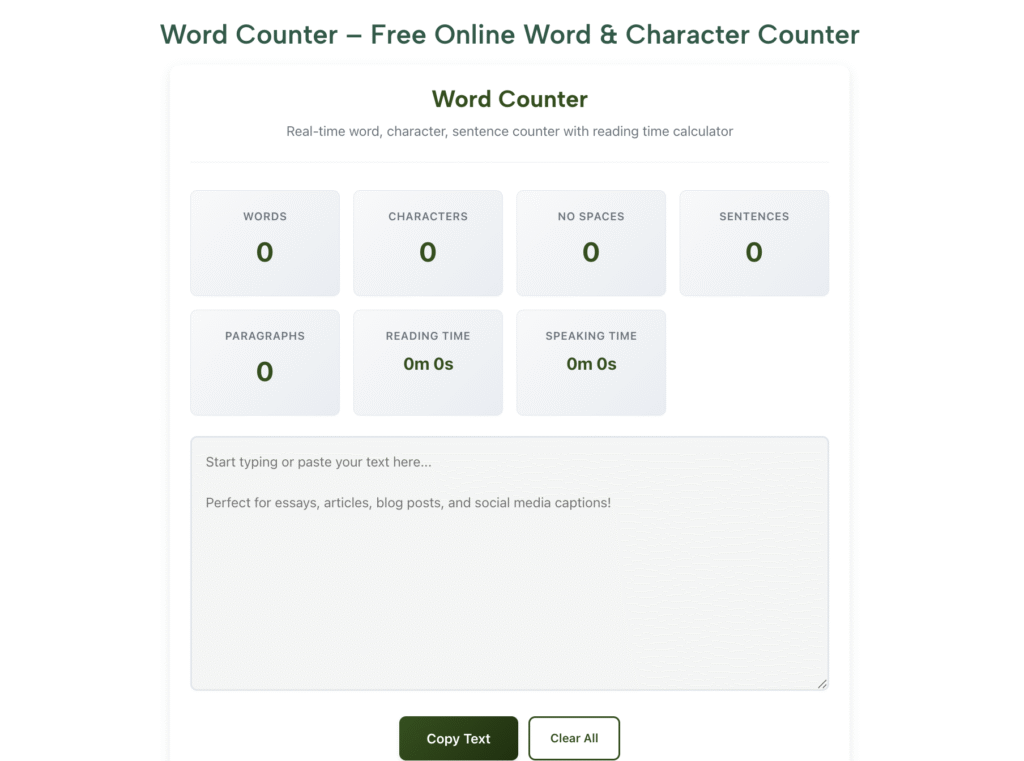
1. Word Counter – The Accuracy King
Counts words, characters (with/without spaces), sentences, paragraphs, reading time.
Why writers love it: Real-time tally as you paste—no refresh needed.
2. Character Counter – The Limit Slayer
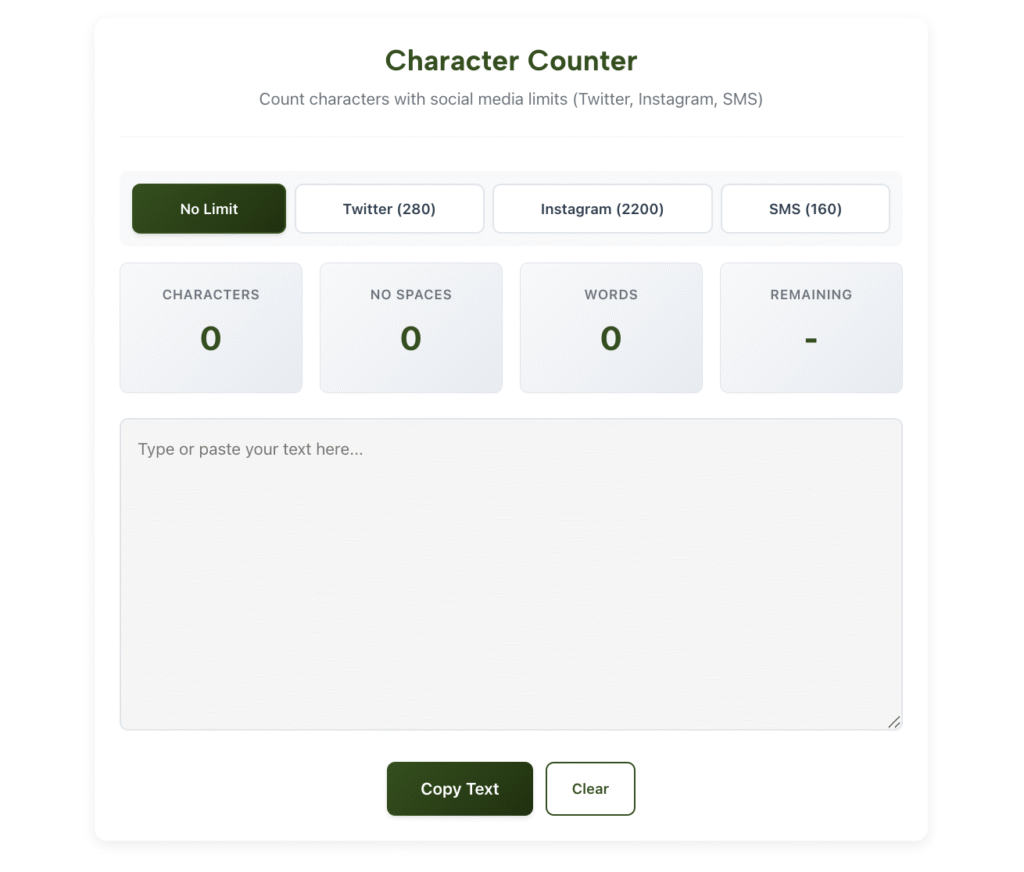
Perfect for Twitter, SMS, meta tags.
Bonus: Shows SMS segments (160 chars each).
3. Case Converter – The Polish Pro
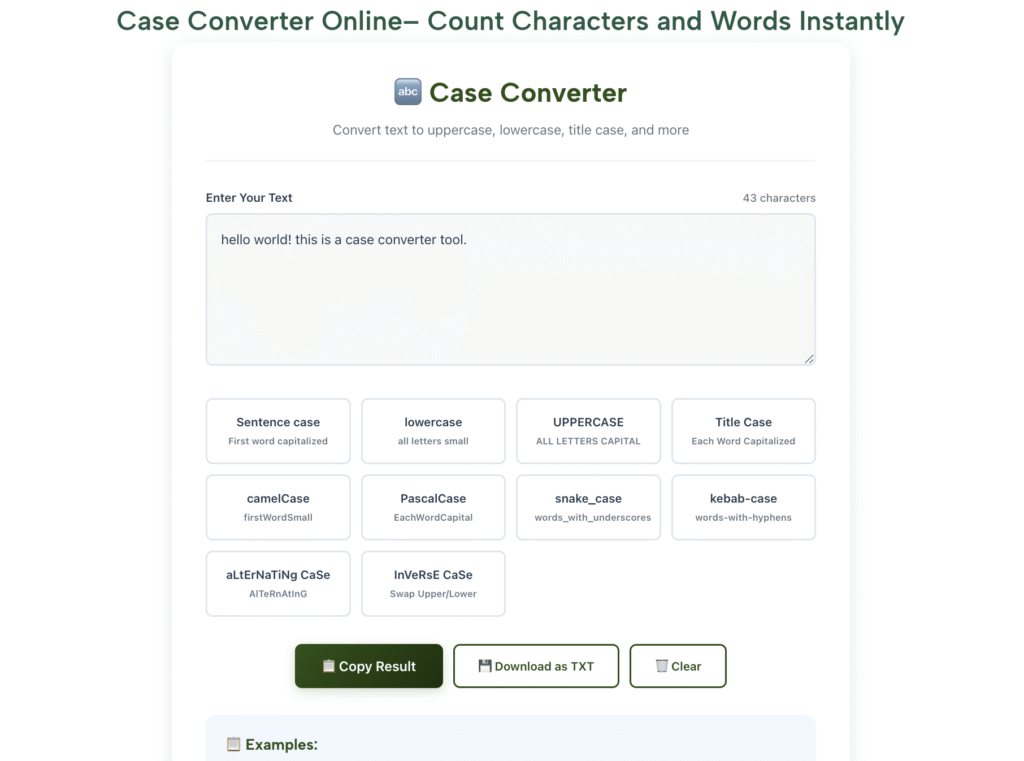
Upper, lower, title, sentence case—one click.
Use case: Fix ALL CAPS client drafts.
4. Text Reverser – The Creative Spark

Reverse words or letters—great for palindromes, puzzles, coding.
5. Word Density Analyzer – The SEO Whisperer
Shows keyword frequency %—never over-optimize again.
No logins. No ads. Just pure writing superpowers.
Step-by-Step: How Writers Use RankStreak Tools to Crush Deadlines
Step 1: Nail Word Limits with Word Counter
Why: Clients pay per word—accuracy = income.
How:
- Finish draft in Google Docs.
- Copy → RankStreak Word Counter.
- See exact count + reading time.
- Trim fluff (“very unique” → “unique”).
Example: “1,200-word blog” → paste → 1,387 → cut 187 → $60 saved.
Pro Tip: Use “Reading Time” to match client pace (e.g., 3 min = 600 words).
Step 2: Master Character Limits with Character Counter
Why: One character over = auto-reject.
How:
- Write tweet → paste into Character Counter.
- See 280/280 → red? Delete emoji.
- SMS? Shows segments (1 segment = 160 chars).
Mistake to Avoid: Counting in Word—it includes hidden formatting.
Step 3: Fix Formatting with Case Converter
Why: Inconsistent caps = unprofessional.
How:
- Client sends “ALL CAPS EMAIL.”
- Paste into Case Converter.
- Click Sentence case → “All caps email.”
Example: Blog title “HOW TO WRITE BETTER” → Title Case → “How to Write Better”.
Step 4: Boost SEO with Word Density Analyzer
Why: Google penalizes keyword stuffing (>2%).
How:
- Paste 800-word blog.
- See “SEO” = 12 times = 1.5% → perfect.
- “cryptocurrency” = 25 times = 3.1% → red flag → reduce.
Pro Tip: Aim 1–1.5% for primary keyword.
Step 5: Spark Creativity with Text Reverser
Why: Break writer’s block with play.
How:
- Stuck? Type “I am stuck” → reverse → “kcuts ma I”.
- Laugh → brainstorm → flow returns.
Fun Use: Create palindrome challenges for social media.
Here’s your writer’s toolkit comparison:
| Tool | Best For | Unique Feature | Time Saved |
|---|---|---|---|
| Word Counter | Blogs, essays | Reading time estimator | 10 min/post |
| Character Counter | Social, meta tags | SMS segment count | 5 min/tweet |
| Case Converter | Formatting fixes | 5 case styles | 3 min/doc |
| Word Density | SEO writing | % frequency heatmap | 15 min/SEO |
| Text Reverser | Creative blocks | Word/letter reverse | Instant fun |
Pro Tips from a 6-Figure Copywriter
I’ve written 1,000+ articles—RankStreak is my daily driver. Here’s the gold:
- Stack Tools → Write in Docs → Word Counter → Case Converter → one polished draft.
- Set Alerts → Character Counter turns red at 275/280—never overshoot tweets.
- Teach Clients → Share RankStreak links—“Here’s proof it’s 1,000 words.” Builds trust.
Want flawless writing? Read our [Free SEO Checklist for Writers].
FAQs: Writing Assistant Tools by RankStreak
Are RankStreak tools really free?
Yes—100% free, no sign-up, no ads—perfect writing assistant tools for beginners.
Do they work offline?
No internet needed after first load—PWA installable.
Can I use them for SEO?
Absolutely—Word Density Analyzer prevents keyword stuffing.
Mobile-friendly?
Yes—works on iPhone, Android, tablets.
Where to start?
RankStreak Word Counter—paste your draft now.
Conclusion: Write Like a Pro—Starting Today
RankStreak’s writing assistant tools aren’t just counters—they’re your confidence, speed, and creativity boosters.
From 2 a.m. panic to 9 a.m. submission, these free gems save hours, win gigs, and spark joy.
Alex went from rejected to retained client because he used the word counter.
Now it’s your turn.
Open RankStreak Word Counter. Paste your next draft. Hit enter.
Watch the count. Trim the fluff. Submit with pride.
Your perfect piece is one paste away.
What will you count first?
🔖 Related #Tags: #WritingAssistantTools #WordCounter #CharacterCounter #RankStreak #SEOWriting2025